
Buy Microsoft Office 365 Family license: save on your family software in 2026
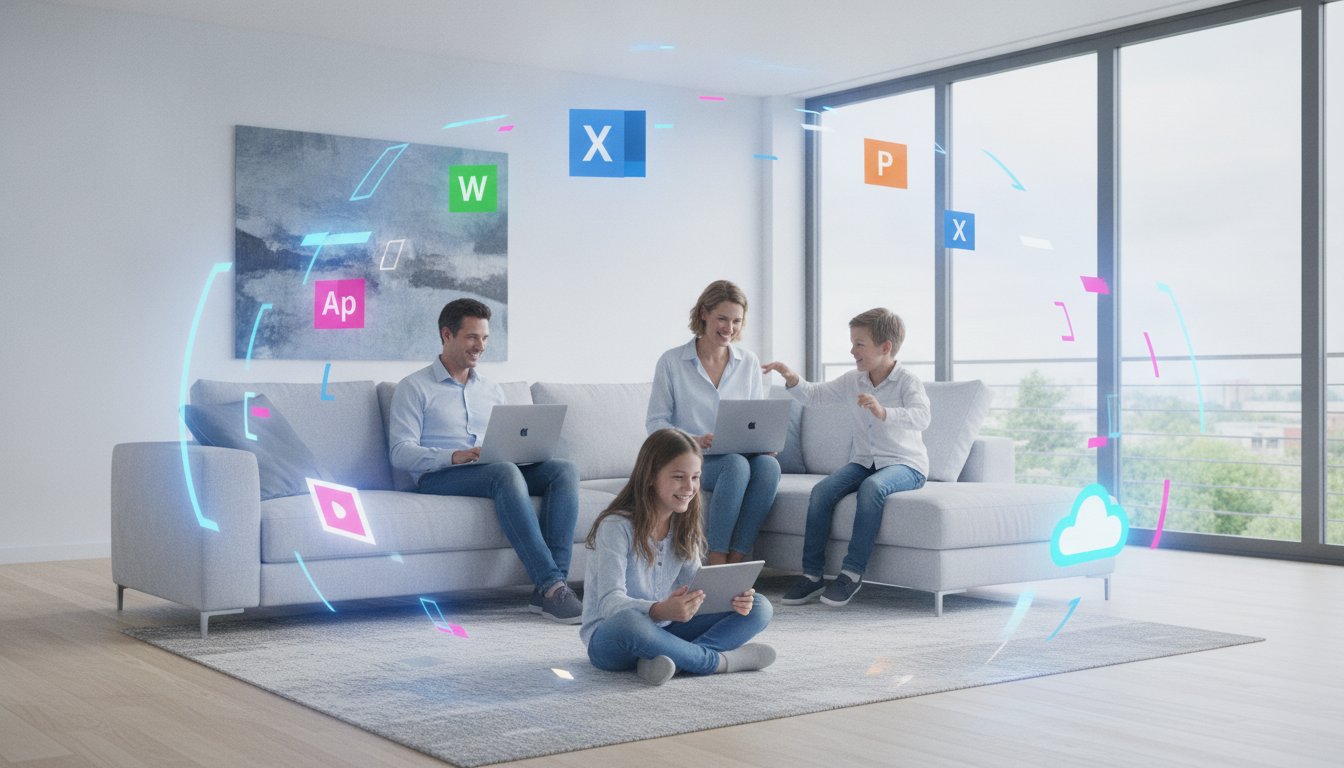
Stop paying too much for your family software. The prices in the official store are soaring, but you can easily save tens of euro’s. A legal Microsoft Office 365 Family license is actually much cheaper than you think. You don’t have to be locked into expensive monthly subscriptions that get more expensive each year.
You probably recognize it: the confusion among all the different Office versions and the justified fear of an activation code that ultimately doesn't work. That's frustrating and completely unnecessary. We understand that you just want certainty without hassle. You're looking for a reliable way to install Word, Excel, and PowerPoint for 6 people, including that crucial 1 TB cloud storage per family member.
In this article you will discover how to obtain an official license at a fraction of the regular price. We explain how our direct delivery by email works and why our activation guarantee makes your purchase completely risk‑free. Learn how to provide your family with the best software through a fast, legal solution that works instantly.
Key Points
- Save heavily on your software costs by purchasing a legal Microsoft Office 365 Family license for up to 6 users.
- Get immediate access to premium apps such as Word, Excel, and PowerPoint with 1 TB of cloud storage for each family member.
- Discover why the Family version is already cheaper from two people compared to a Personal subscription.
- Receive your activation code within 5 minutes in your mailbox with our 100% activation guarantee.
- Learn how to easily activate the license via the official Microsoft website without hidden fees or automatic renewals.
What is a Microsoft Office 365 Family license and what exactly do you get?
A Microsoft Office 365 Family license is the total solution for every modern Flemish family. You don't buy a static software package, but a dynamic platform that grows with your needs. With a single license you can provide up to six different people with the full Office experience. It is the smartest way to digitize your entire household without having to sign up a separate, expensive subscription for everyone. Everyone gets access to the premium versions of Word, Excel, PowerPoint, Outlook, and OneNote. No stripped-down web versions, but the powerful desktop apps you need for school, work, or your home administration.
The biggest advantage? The massive amount of cloud storage. Each family member gets 1 TB of personal OneDrive space. That's a whopping 1,000 gigabytes per person. In total, your family therefore has 6 TB of secure cloud storage. Ideal for backing up thousands of photos’s, videos’s and important documents. The History of Microsoft 365 shows how this service transformed from a simple software package into an essential cloud service. Whether you work on a PC, Mac, tablet or smartphone; your files are accessible everywhere and at any time. Everything syncs flawlessly across your different devices.
The power of sharing with 6 people
Sharing with Microsoft does not mean you give up your privacy. On the contrary. Although you share the costs, each family member retains their own private account. You never have to exchange passwords with your partner or children. Your documents remain yours, unless you explicitly choose to share them. This provides a perfect separation between the children's school tasks and your own business files. No more arguments about who can use the computer; everyone has their own digital workspace on their own favorite device. Moreover, the flexibility is unprecedented. Each user may be signed in on five different devices simultaneously. This is handy if you want to quickly look something up on your smartphone while your laptop is updating.
Always the latest features and security updates
If you choose a Microsoft Office 365 Family license, you choose software that never becomes outdated. Unlike the classic purchase versions, you receive continuous updates here. As soon as Microsoft launches a new handy feature in Excel or introduces a fresh layout in Word, you get it immediately. So you never have to buy a new version to stay up to date. Security is central here. You get advanced protection against phishing and malware in Outlook. Your files in OneDrive are also extra protected against ransomware. Your data is safe, your software is up‑to‑date, and your family is fully taken care of.
Why choose Microsoft Office 365 Family instead of Personal?
The choice between Personal and Family may at first glance seem a matter of group size. However, reality is different. Many users default to Personal because the entry price is lower. That is a missed opportunity. A Microsoft Office 365 Family license is already cost-effective as soon as you are with z’n two. Whether you are a couple, living with a friend, or sharing a student flat; the math doesn't lie. While a Personal subscription limits you to one user, the Family variant opens the doors for six people.
The difference in 클라우드 스토리지 is simply massive. With Personal you get 1 TB. That is more than enough for één person. With the Family version it rises to an impressive 6 TB in total. Everyone retains their own private storage space of 1 TB. This is essential for anyone who wants to safely back up years of family photos’s and home videos’s. The official product specifications of Microsoft 365 Family confirm this huge added value for larger households. You manage everything centrally from a één 대시보드, which saves you time and 관리 업무.
The calculation: save hundreds of euro’s per year
Let's be honest: it's all about the money. The price per user drops as soon as you share the license. Imagine buying six separate Personal subscriptions. You would then pay six times the full price. With a single Microsoft Office 365 Family license you split those costs by six. That saves you hundreds of euros’ per year. At LicentiePromo we go a step further. We buy smart, which makes our prices far lower than the official store. This way you enjoy the same quality for a fraction of the price.
Extra benefits for families with children
For parents, this package is a blessing. You get access to Microsoft Family Safety. This allows you to keep an eye on your children's online behavior without violating their privacy. It also facilitates schoolwork. Children collaborate in shared Word documents or create beautiful presentations in PowerPoint for their oral presentations. Everything is automatically saved in their own OneDrive. No more lost homework due to a crashed laptop or a dead battery. Do you prefer a package without a subscription? Then Microsoft Office Thuis & Zelfstandigen 2024 an excellent alternative for your family.
Microsoft Office 365 Family vs Office 2024: what fits your family?
The battle between a subscription and a one‑time purchase is more relevant than ever. With a Microsoft Office 365 Family license you are essentially renting the software. You pay periodically for access to the latest tools and massive cloud storage. Office 2024 is, on the other hand, a classic product. You buy it één time and it remains yours. For a family in 2026 the choice mainly depends on how you use the software. Do you work alone at the kitchen table on a één laptop? Or does everyone in the house use tablets, smartphones and computers?
Looking at the costs over a period of three to five years, you see a clear pattern. A subscription requires a constant investment. That seems more expensive in the long term, but extra services such as 6 TB OneDrive storage and advanced security more than compensate for the price. In contrast, if you buy a one‑time license such as Microsoft Office Professional Plus 2024, you are done after the first payment. You no longer have monthly expenses. That is financially very attractive for those who do not need the cloud or constant updates.
When do you choose a subscription?
A subscription is the right choice if mobility is your priority. With a Microsoft Office 365 Family license you install the apps on all your devices. You start a report on your laptop, edit it on the train on your tablet and do the final check on your smartphone. Everything syncs instantly. Also for families who want to back up their digital life completely in the cloud, this is indispensable. Moreover you get access to the latest AI features that make your work faster and easier. Your software is never outdated.
The alternative: Office 2024 without monthly costs
Not every family is waiting for a subscription. Sometimes you just want to own your software without a monthly or yearly charge being taken from your account. That gives peace of mind. The limitation is that you can install the license on only one device and you do not get cloud storage. For many users this is not a problem. They use an external hard drive for backups and still always work on the same PC. It is the perfect solution for those who like simplicity and one‑time expenses without surprises later.
How do you install and activate your Microsoft Office 365 Family license?
No panic; you don't need an IT diploma to get your new software up and running. The process is designed for speed and ease of use. Everything starts with obtaining a legitimate code. As soon as you order your Microsoft Office 365 Family license from LicentiePromo, the activation code will be in your mailbox within 5 minutes. No waiting times, no physical packages; just start right away. Even on a Sunday evening we are ready for you.
Then follow these simple steps:
- Step 1: Browse to the officiële Microsoft activation page: setup.office.com.
- Step 2: Log in with your personal Microsoft account or create one right away.
- Step 3: Enter the 25-digit product code you received from us.
- Step 4: Confirm the link and choose your region and language (Dutch/België).
Once the code is linked to your account, the installation options appear on your screen. Download the apps and within a few minutes Word, Excel and PowerPoint will be ready for use on your computer. It's a piece of cake.
Inviting your family members: how it works
This is where the real magic of the Microsoft Office 365 Family license begins. You are the administrator, but you never have to share your own login credentials. Log in to your Microsoft account dashboard and look for the ‘Sharing’ section. Here you can invite up to five other people. You simply send an invitation via email or copy a personal link that you send via WhatsApp. The family member clicks the link, logs in with their own account and gets immediate access to all benefits. Your documents remain completely private; they see none of your files and you see none of theirs. Privacy guaranteed.
Resolving common activation issues
Sometimes it doesn't go smoothly right away, for example if you still have an active Personal subscription. No worries. Microsoft often automatically converts your remaining time to the Family variant when you activate the new code. Do you still get an error message? Then check whether you are not accidentally still logged in with an old work or school account. If you really can't resolve it, LicentiePromo support is ready for you. We offer a full activation guarantee on every code. If it doesn't work? Then we will fix it. Would you prefer an operating system that works perfectly with your new Office? Then check out our Windows 11 Pro license for an optimal experience.
Why buy your Microsoft Office 365 Family license from LicentiePromo?
You are looking for a Microsoft Office 365 Family license without paying the full price. That makes sense. Why would you spend more at the official source when you can get exactly the same product here for much cheaper? At LicentiePromo we focus on what matters: a working code, a sharp price, and lightning‑fast service. We are a Belgian webshop that understands you don’t want vague foreign providers or unclear terms. We speak your language and know the market.
Our reliability is our greatest asset. In a market where many illegal keys circulate, we only offer legal licenses. We remove the natural skepticism of consumers by being transparent about our process. When you buy from us, you not only get a product, but also the assurance that your software will still work tomorrow. Our customer service is there to remove barriers and fully take the hassle out of the entire process for you.
Save on the full pot of the Microsoft Store
The official Microsoft Store often has the highest prices on the market. We purchase our licenses smartly and in large volumes. This allows us to pass that discount directly on to you. You get exactly the same premium apps and cloud storage, but for a fraction of the price. A major advantage of buying from us is that you are not tied to automatic direct debits’s that are hard to cancel later. You buy what you need and retain full control over your own wallet. Want to learn more about the legal side of these sharp prices? Read all about buying legal Microsoft software in Belgiumë.
Our promise: speed and reliability
Speed is crucial. Are you ordering a Microsoft Office 365 Family license? Then the code will appear in your mailbox within 5 minutes. Even on Saturday evenings or Sunday mornings our systems run at full speed. You receive not only a code, but also a direct download link and crystal‑clear instructions. Are you less technically inclined and get stuck somewhere? No problem at all. Our support is ready to help you until everything works perfectly on every device in the house. That is our 100% activation guarantee. For freelancers and small businesses we also always provide an official invoice for accounting. This way you can deduct the costs neatly and work fully in accordance with the rules.
Save today on your family software
You now have all the advantages in hand to make the right choice for your household. A Microsoft Office 365 Family license is simply the most cost‑effective way to provide your family with premium software and massive cloud storage. You choose security, privacy and the latest features without being tied to the high prices of the official Microsoft Store.
At LicentiePromo we make it easy for you. You receive your legal code within 5 minutes in your mailbox, even on weekends. With our 100% activation guarantee you take no risk at all. Thousands of satisfied Belgian customers have gone before you and enjoy a hassle‑free Office experience on all their devices daily.
Don’t wait any longer and get the best deal for your family today. Buy your Microsoft Office 365 Family license at a discount and get started right away. Your family deserves the best tools for school, work and leisure!
Frequently Asked Questions
Is a Microsoft Office 365 Family license from LicentiePromo legal?
Yes, every Microsoft Office 365 Family license we sell is completely legal and lawfully obtained. Thanks to European legislation, the resale of software licenses is permitted, allowing you to benefit from lower prices. We offer a 100% activation guarantee on every code. You simply install the software through the official Microsoft channels, which confirms the authenticity of your license.
Can I convert my current Office 365 Personal subscription to Family?
Sure, you can easily upgrade your existing Personal subscription. When you enter a new code for a Microsoft Office 365 Family license in your account, Microsoft often automatically converts your remaining Personal time. This process is seamless and ensures that you immediately get the extra benefits for six people. So you don’t have to wait until your current subscription is fully finished.
What happens to my files in OneDrive when my license expires?
Your files remain saved, but the status changes to ‘read-only’. You can still download and view your documents, but you can no longer upload new files or save changes in the cloud. Microsoft typically provides a grace period during which you have time to renew your license or secure your data. So you don’t lose everything immediately.
Do all 6 family members need to live at the same address to share the license?
No, Microsoft does not check whether all users physically live under the same roof. Although the license is intended for a household, you can send the invitations to family members who are staying elsewhere, such as children studying in a dorm. The most important thing is that you, as the administrator, send the invitations via your Microsoft dashboard to their own email addresses. The process is simple and quickly arranged.
Does the Office 365 Family license also work on a Mac or iPad?
Yes, the license is fully compatible with both Windows and macOS, iOS, and Android. Each user can install the Office apps on up to five devices simultaneously. This means you can seamlessly switch between your MacBook, iPad, and iPhone. You get the full premium experience of apps such as Word and Excel on every platform, including the associated cloud storage for all your devices.
Will I receive a physical package after my purchase?
No, you will not receive a physical box or DVD by mail. We opt for digital delivery to keep costs low and guarantee speed. You will receive the activation code and installation instructions within 5 minutes after payment in your mailbox. This is more environmentally friendly and ensures you can start installing immediately without waiting for the postman. Fast and efficient.
How can I renew my Office 365 subscription with a new code?
Renewing is very easy via the official website setup.office.com. You log in with your existing account and enter the new 25‑digit code you received from us. The new term is automatically added to your current end date. You do not need to reinstall the software and all your settings and files in OneDrive remain preserved. No hassle with reinstallations.
Is Microsoft Teams also included in the Family package?
Yes, the personal version of Microsoft Teams is part of this package. With it you can hold unlimited group calls up to 30 hours long with up to 300 people. It is the ideal tool to stay in touch with friends and family, including handy features such as shared calendars and task lists within the app. It is a full‑featured addition to your digital toolbox for home use.