
Microsoft Project Professional 2024 – How does it work?
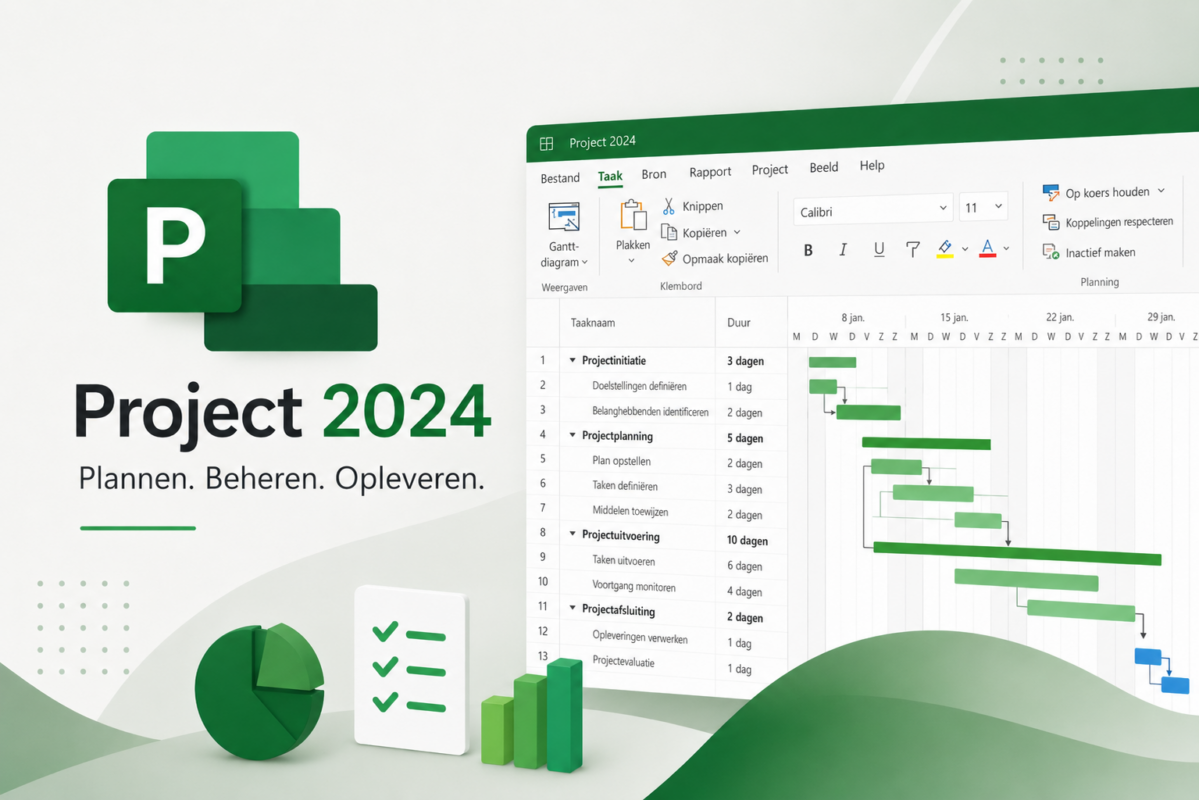
Microsoft Project is the go-to tool for anyone who wants to seriously plan, track, and adjust projects—from a home renovation to a software release, from a marketing campaign to a multi-year construction project. The 2024 version builds on everything that made Project great (Gantt charts, resource management, dependencies) and adds a revamped interface and tighter Office integration.
What's included in Microsoft Project Professional 2024?
Project Professional 2024 is the one-time purchase version for Windows. Pay once, use it for life—no monthly or annual subscription. Key features at a glance:
- Project planning with Gantt charts — timelines, milestones, dependencies, and the critical path, all in a single visual overview.
- Resource management — who does what, who is overloaded, and who still has capacity?
- Budget management — costs by task, by phase, and by project, with automatic rollups to the total budget.
- Automatic scheduling tools — Project automatically recalculates schedules as soon as you move a task or adjust a deadline.
- Reporting — built-in dashboards and reports for progress, budget, resources, and risks.
- Cloud integration — keep your projects locally on your PC, but easily share them via OneDrive or SharePoint.
- Updated interface — aligned with Office 2024, featuring an improved search function and a modern layout.
Do you also work with diagrams, organizational charts, or flowcharts? Then Microsoft Visio Professional 2024 a logical addition—Visio and Project are designed to work seamlessly with each other and with Office 2024.
Who is Microsoft Project intended for?
Project Professional 2024 isn’t a tool for one-person to-do lists. Project really comes into its own when you’re working with:
- Multiple people or teams working together on a single project;
- Tasks that are dependent on one another (one must be completed before the other can begin);
- A fixed budget that you need to monitor at each stage;
- A schedule that needs to be adjusted regularly without compromising the overall picture.
Typical users: project managers, construction managers, IT leads, consultants, product developers, event planners, and SME business owners who want to bring structure to their projects.
How do I activate my Project license?
After placing your order, you will receive your product key and the official Microsoft download link via email. The installation itself takes 5 to 10 minutes.
- Go to office.com and sign in with your personal Microsoft account (free to create).
- Enter your 25-character product key. The license will now be linked to your account.
- Download the installation file using the Microsoft link provided and run the setup program.
- Open Project, sign in with the same Microsoft account—that's it. Your license is permanently activated on this PC.
The key remains linked to your account. If you get a new computer later, no problem: you can reinstall Project on another device (one active installation at a time).
Project 2024 — Quick Overview
| Project Professional 2024 | ||
| Payment model | One-time | |
| Devices | 1 Windows PC | |
| Cloud storage | Not built-in (but can be linked via OneDrive) | |
| Web version | No | |
| Updates | Security updates | |
| Dear for | One workstation, standard use | |
| Price at LicentiePromo | €29.99 (one-time fee) |
Ready to buy Project 2024?
→ View Microsoft Project Professional 2024 — one-time license €29.99, instantly activatable.
Would you like to combine Project with Visio to visualize processes or organizational charts? Then check out Microsoft Visio Professional 2024 — both tools complement each other in project visualization and planning.