
Purchasing Microsoft Visio 2024 Professional – How does it work?
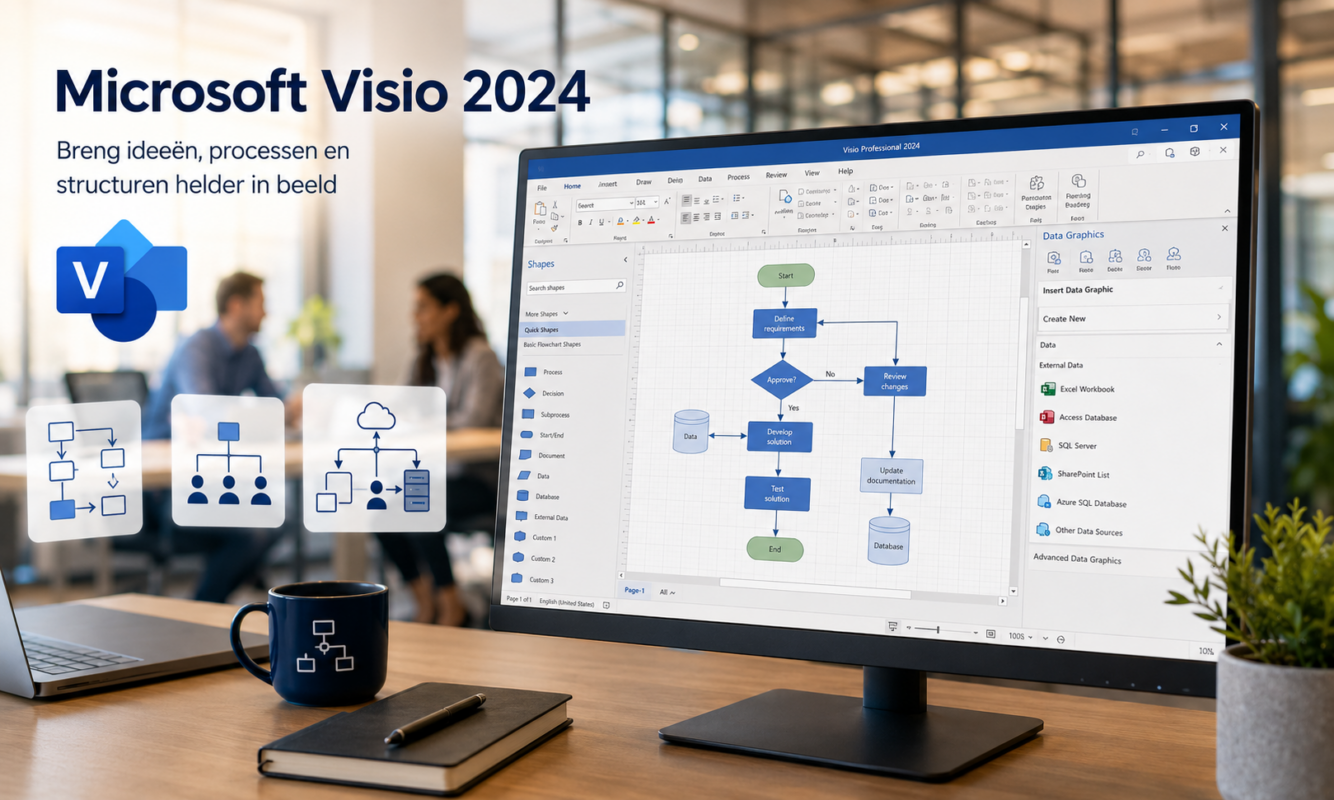
Microsoft Visio is the go-to tool for anyone who wants to create professional diagrams, organizational charts, and process flows. It is used by project managers, IT professionals, consultants, HR staff, and anyone who needs to explain complex information visually. On this page, we briefly explain what Visio Professional 2024 has to offer.
What's included in Microsoft Visio Professional 2024?
Visio Professional 2024 is the one-time purchase version for Windows. You pay once and use the software for life—no monthly subscription. Key features at a glance:
- Diagrams and flowcharts — flowcharts, process flows, BPMN workflows, and mind maps.
- Organizational charts — automatically generated from Excel or Exchange.
- Network and IT diagrams — including Azure, Kubernetes, and AWS stencils.
- Industry standards — Supports UML 2.5, BPMN 2.0, and SDL, with built-in validation.
- Real-time data integration — connect shapes to Excel, Access, SharePoint, SQL Server, or Azure AD.
- Collaboration via Microsoft Teams — multiple people can work on the same diagram at the same time.
- New look — dark mode, a modern transparency effect, and a redesigned search bar in line with Office 2024.
Do you also work with project plans? Then Microsoft Project Professional 2024 a logical addition.
How do I activate my Visio license?
After placing your order, you will receive your product key and the official Microsoft download link via email. The installation itself takes 5 to 10 minutes.
- Go to setup.office.com and sign in with your personal Microsoft account (free to create).
- Enter your 25-character product key. The license will be linked to your account.
- Download the installation file using the Microsoft link provided and run the setup program.
- Open Visio, sign in with the same Microsoft account—that's it. Your license is permanently activated on this PC.
The key remains linked to your account. If you get a new PC later, no problem: you can reinstall Visio on another device (one active installation at a time).
Visio 2024: A Quick Overview
| Visio Professional 2024 | ||
| Payment model | One-time | |
| Devices | 1 Windows PC | |
| Cloud storage | No | |
| Web version | No | |
| Updates | Security updates | |
| Dear for | One workstation, standard use | |
| Price at LicensePromo | €29.99 (one-time fee) |
Ready to buy Visio 2024?
→ View Microsoft Visio Professional 2024 — one-time license starting at €29.99, instantly activatable.
Want to combine Visio with Microsoft Project? Then check out Microsoft Project Professional 2024 — both tools complement each other in project visualization and planning.
Frequently Asked Questions About Purchasing Visio 2024
Does Microsoft Visio 2024 work on a Mac?
No. Visio is only available for Windows 10 or Windows 11 (Home or Pro). On macOS, Visio only runs via Boot Camp or a virtual machine running Windows.
Do I need Office to use Visio?
No, Visio works completely on its own. Do you have Office 2024 or Microsoft 365? If so, Visio integrates seamlessly with Word, Excel, and PowerPoint—you can insert and edit diagrams directly.
Is this a temporary license or a lifetime license?
Lifetime. One-time activation, no subscription, no renewal fees. The license remains linked to your Microsoft account.
How do I receive my license after placing an order?
Fully digital: immediately after payment, you will receive an email containing your product key, the official Microsoft download link, and installation instructions.
Is a cheap Visio license actually legal?
Yes. Our licenses are genuine Microsoft volume licenses that we purchase from companies with excess inventory. You activate them directly through your own Microsoft account and receive updates directly from Microsoft.
Not sure if Visio 2024 is right for your work situation? Email [email protected] — our customer service team usually responds within a few hours.