
Buying Microsoft Office for Mac – Buying Guide 2026
Buying Microsoft Office for Mac is easier in 2026 than many people think. Word, Excel, PowerPoint, and Outlook have been working flawlessly on macOS for years. The difference from Windows is not in the files or features, but in which edition of Office you choose. On this page you can see at a glance which versions work on your Mac, what they cost, and how to install them.
Which Office version works on Mac?
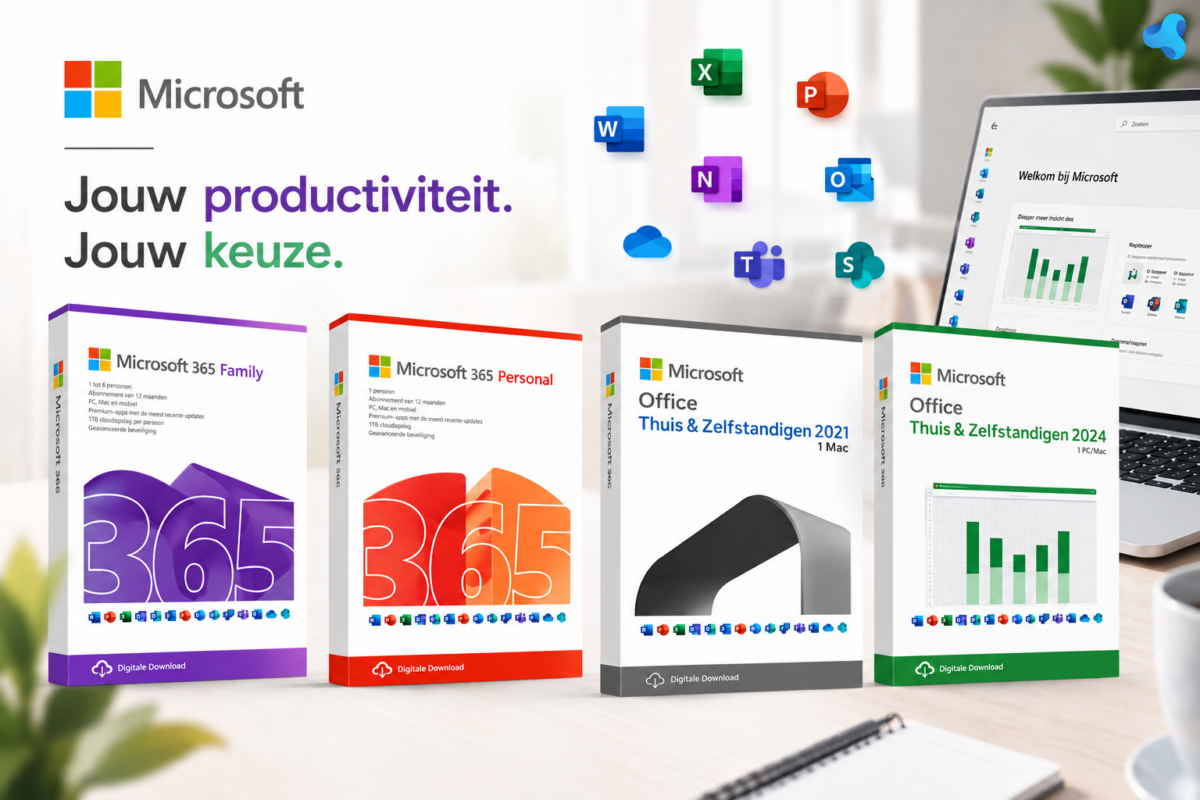
Not every Office license is suitable for macOS. These are the versions that are officially supported by Microsoft on Mac and that you can order directly from us:
- Office Home & Self-Employed 2024 (Windows + Mac) — one-time purchase, één license, works on Mac én Windows. Includes Word, Excel, PowerPoint and Outlook. Ideal for those who prefer to pay één time rather than maintain a subscription.
- Microsoft 365 Personal — 1‑year subscription for 1 user and works on 5 devices simultaneously such as pc’s, Mac’s, Chromebooks, smartphones and tablets. Includes 1 TB cloud storage.
- Microsoft 365 Family — same subscription but for up to 6 users and you install on up to 5 devices simultaneously per user, such as pc’s, Mac’s, Chromebooks, smartphones and tablets.
- Office Home & Self-Employed 2021 for Mac — this product can be installed on 1 Macbook, iMac or Mac Mini with one of the latest three versions of macOS and you can reinstall it on the same device if needed.
MacOS compatibility
Microsoft follows a simple rule: Office for Mac works on the three most recent macOS versions. Specifically, this means in May 2026:
- macOS Tahoe
- macOS Sequoia
- macOS Sonoma
Office 2024 for Mac vs. Microsoft 365 on Mac
| Office Home & Business for Mac | Microsoft 365 on Mac | |
| Pricing model | One-time | Annual subscription |
| Devices | 1 Mac (or Windows PC) | 5 devices (pc, Mac, Chromebook, smartphone or tablet) |
| Cloud storage | None | 1 TB OneDrive |
| Apps | Word, Excel, PowerPoint, Outlook | Word, Excel, PowerPoint, Outlook + extra’s |
| Updates | Security updates | Feature and security updates |
| Best for | One Mac, classic use | Multiple devices or cloud work |
| Price at LicentiePromo | From €59.90 | From €84.90/year |
Short: if you mainly use a single Mac for classic office work, choose Office Home & Business 2024. If you switch between MacBook, iPad and iPhone or work a lot in the cloud, then Microsoft 365 offers more value.
Frequently asked questions about Office on Mac
Can I use the same license on Mac én Windows?
For Office Home & Self-Employed 2024: één license for één device, but you choose whether it is a Mac or a Windows PC. With Microsoft 365 Personal you may sign in on up to 5 devices simultaneously, Mac or Windows.
Are the files compatible with Office on Windows?
Yes, 100%. A Word document created on your Mac opens identically on a Windows PC and vice versa. Switching between devices works without loss of formatting.
How do I receive my license after ordering?
Fully digital: immediately after payment you receive an email with your product key and setup guide. Usually you have Office geïnstalleerd within 15 minutes.
Is a cheap Office license for Mac legal?
Yes. Our licenses are original Microsoft–licenses. You activate them directly on your own Microsoft account and you receive updates from Microsoft itself.
Ready to buy Office for Mac?
→ Office Home & Business 2024 (Windows + Mac) — one-time purchase from €69,00
→ Microsoft 365 (Personal & Family) — subscription for multiple Apple devices
Questions about compatibility with your specific Mac or macOS version? Email us at [email protected] or take a look at our license store.