Original price was: €349.00.€24,99Current price is: €24.99.
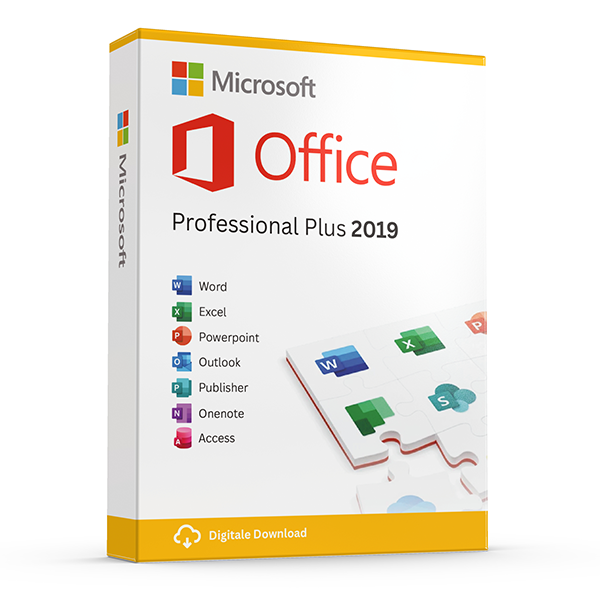
Buy Microsoft Office Professional Plus 2019 for the PC without subscription. After your payment you will receive the activation code directly in your mailbox together with the download link and manual. This is a lifetime one-time activation for 1 installation. No monthly subscription!
– License is valid for both the 32bits and 64bits versions (software included)
– Software can be installed in any language and is delivered standard in Dutch!
– Includes online updates from Microsoft during the support period of the package.
– Includes official support from Microsoft for the software
Attention! This version is suitable for 1 installation on 1 PC or laptop and works only on Windows 10 or 11 Home or Pro (so not on older Windows versions, Chromebooks or macOS).
The version for Mac you can HERE purchase.
The newer Office 2021 Professional Plus you can HERE find
Take advantage now! Prices will rise again after this promotion ends.
100% activation guarantee
If activation does not work, money back!
Directly delivered
The license key will arrive in your mailbox shortly!
Lowest price
Always the lowest price guarantee!
The successor of Office Professional Plus 2016 is available: Office Professional Plus 2019. This full suite again includes a lot of products: Word, Excel, PowerPoint, Outlook, OneNote, Publisher, Access and Lync.
Office 2019 is the latest version of the Microsoft Office suite. Office 2019 is the best option for people who want to use Office and do not want an annual subscription. Note: Office 2019 for Windows works only with Windows 10 or 11.
Microsoft Office 2019 Professional
This package is purchased once, so there are NO monthly or annual costs associated. You will be more productive and work faster with this new version of Microsoft Office. The new Office 2019 package makes it possible to save documents quickly and easily locally on the computer, or you can also choose to store them in the cloud if you, for example, use OneDrive. OneDrive is an application that is also included in this Office 2019 package.
What is included with Office 2019 Professional Plus?
Office 2019 for Professional is a collection of popular Office-programma’s. The software listed below is included in this bundle. With a few simple clicks you install this software directly on your PC:
– Microsoft Publisher 2019
– Microsoft Access 2019
– Microsoft Outlook 2019
– Microsoft Word 2019
– Microsoft Excel 2019
– Microsoft Powerpoint 2019
– Microsoft OneNote
– Microsoft Lync
During installation, a language selection follows. Every European language is allowed. e.g., Dutch, English, German, French, Spanish, etc.
Changes/Improvements:
Office Professional Plus 2019 contains significant improvements over the 2016 version. Below are the major changes per program
Microsoft Word 2019
Black theme
Sounds for Office
Learning to work with hulpprogramma’s for captions and audio description
Text to speech
Improved functionality
Improved accessibility
Microsoft Excel 2019
Perform better data analysis
Funnel charts and 2D maps
New features in Excel and connection lines
Publish Excel to PowerBI
PowerPivot improvements
Improved PowerQuery
Microsoft PowerPoint 2019
Create more impressive content
Options for ordering slides in presentation zoom in and out
Feature for shape transition
Insert and manage icons, SVG and 3D models
Improved floating pen case
Microsoft Outlook 2019
Email efficiënter beheren
Updated contacts
Office 365 groups (Online Exchange account required)
@ mentions
Focused Inbox
Travel and overview maps
| Type | one-time installation |
|---|
Other suggestions…
Other products with good reviews
Microsoft Office
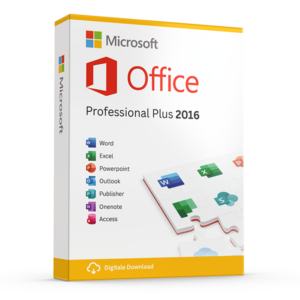
Microsoft Office Professional Plus 2016 License Code Original New!